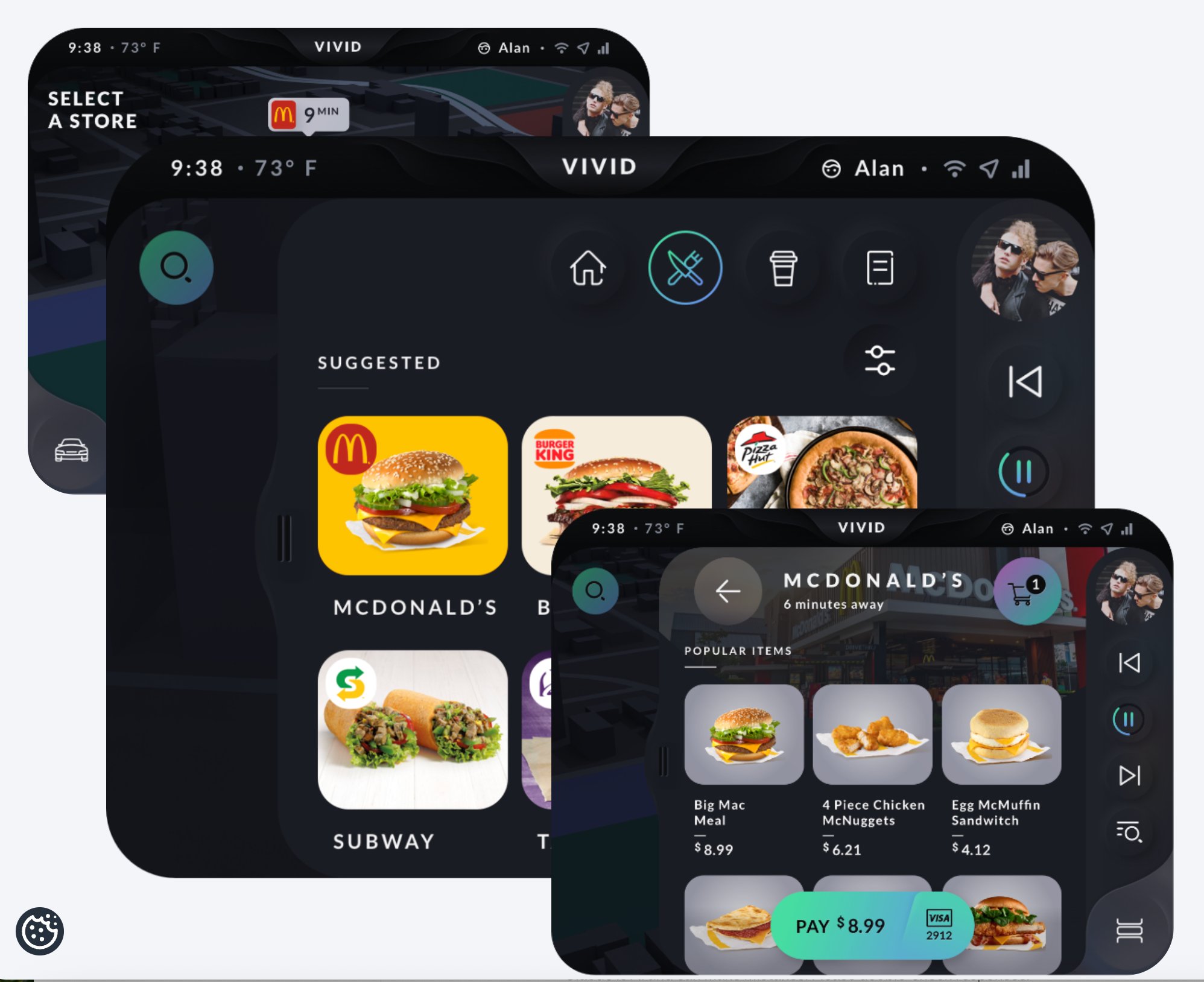
Building a voice-based ordering experience that's safe to use while driving
Two rounds of research: first to understand what drivers need, then to test whether the voice UI was safe enough to actually use.
The problem
How do you build a voice ordering system drivers can actually use without taking their eyes off the road?
The outcome
Findings shaped the next design sprint, and the remote WoZ protocol I built for this study was approved for future voice testing at Telenav.
6usability sessions
3key insights
✓protocol approved
Background
Voice ordering in the car is a hard problem.
Telenav was building a voice-based ordering system for OEM clients, letting drivers order food, coffee, and parking without looking away from the road. The challenge was building something safe enough to use at 60mph, while COVID made in-person testing impossible.
Research question
How can we build a voice-based ordering system that is safe and easy to use while driving?
Research approach
Discovery first, then evaluation
Two phases: understand the drivers first, then test early designs against safety and usability.
01
User interviews & persona creation
Interviewed OEM drivers who order regularly on the road. Built personas from the patterns to focus the design work.
02
Literature review
Reviewed research on voice testing, cognitive load, and conversational UI to build an evaluation framework before touching the prototype.
03
Survey (N=100)
Captured voice assistant usage patterns and collected natural language phrase samples to train the voice engine on command variants.
04
Remote Wizard of Oz usability testing
Designed and ran a new remote WoZ protocol using Zoom and Adobe XD. 6 sessions with real users testing voice ordering tasks and conversation flows.
Testing protocol
A new way to test voice remotely
With in-person testing off the table, I designed a remote Wizard of Oz protocol that let us simulate a voice experience over Zoom. The participant speaks naturally while the researcher advances the prototype from behind the screen. To the participant, it feels like a real voice system.
Participant
Speaks naturally via Zoom
Screen share
Prototype visible to participant
Researcher keyboard
Controls prototype responses in real time
Adobe XD prototype
Simulates live voice responses
Tool
Zoom for remote session, screen sharing, and recording
Prototype
Adobe XD conversational flow, keyboard-controlled by researcher
Sessions
6 remote sessions with real OEM users
Outcome
Protocol approved for future voice testing at Telenav
Key insights
The same three problems came up in every session
Due to NDA restrictions, specifics are redacted. These are high-level findings.
Insight 01
Users forget what they ordered
A voice-only summary isn't enough. Users need something glanceable to confirm what they ordered without looking away from the road.
Insight 02
Visual system status cues don't work while driving
Users can't look at the screen to know when the system is listening. Without clear audio cues, they talk over the system or miss their window to speak.
Insight 03
Unfamiliar menus make voice ordering unusable
A voice-first UI only works if you know what to ask for. Occasional customers don't know the menu, and that alone makes the whole interaction break down.
Impact
Research shaped the design sprint and established a new testing protocol
New protocol
Remote Wizard of Oz testing approved
The protocol I built for this study was formally approved and became Telenav's standard for voice testing going forward.
Design changes
The next design sprint was built around these findings
Three problems, three design changes: a glanceable order summary, audio listening cues, and a redesigned flow for users who don't know the menu.
A note
I left Telenav before the product was fully built. What's here covers the research phase. The planned next steps were in-car usability testing and distraction assessment using NHTSA methods.